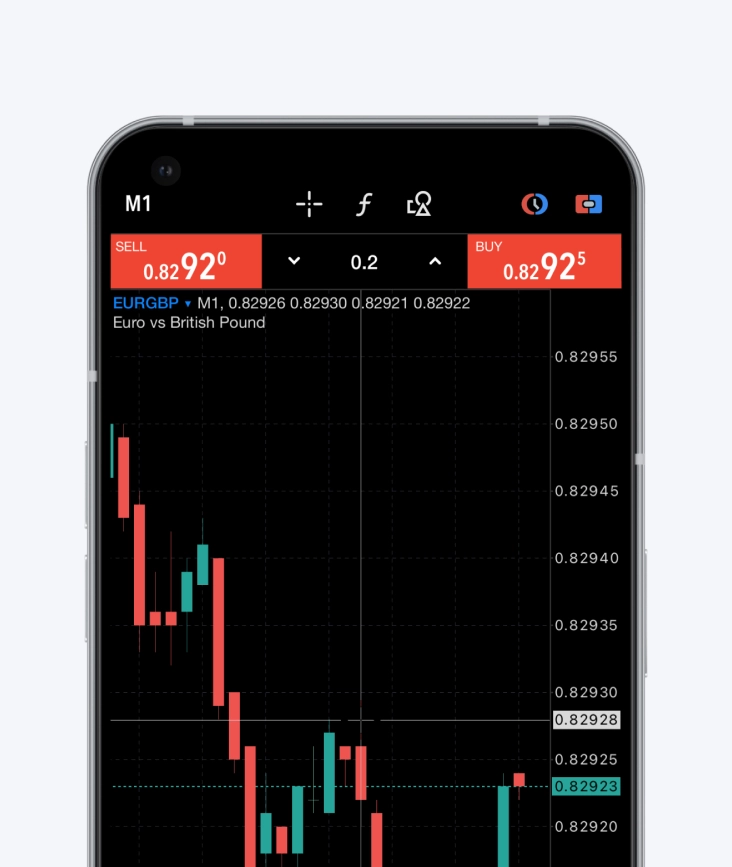
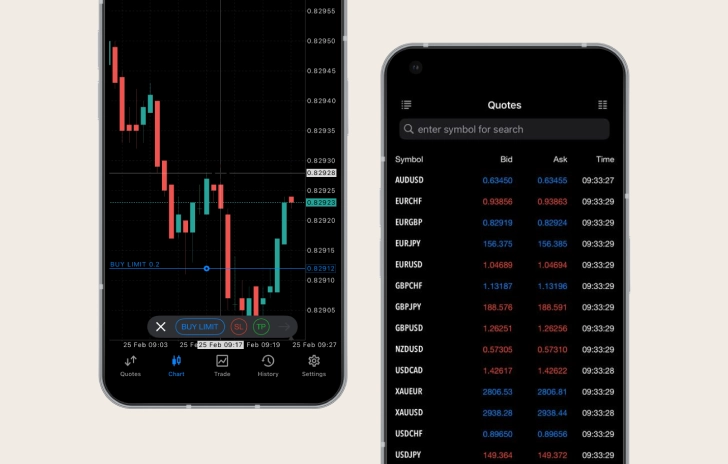
With the growing popularity of mobile apps for managing online financial activities, more traders are choosing to trade directly from their smartphones.
MetaTrader 4 for Android offers real-time access to global markets, making it easy to trade on the go.
Mobile trading on MT4 allows traders to have complete control over their trading accounts, so they can trade anytime, anywhere, 24/5.
With MT4 for Android, traders can easily monitor the markets from their mobile devices, wherever they are.
MT4 supports all order types and execution modes, allowing traders to execute their trades seamlessly. They can also access their trade history as well as full access to advanced charting tools and historical data.
Available on Windows, macOS, iPhone/iPad, Android, and any browser, MT4 is your go-to platform for trading online, anytime, anywhere.
Choose MT4 for Android
With mobile trading, you can access your trading account anytime, anywhere.
Full control over your account
The MetaTrader 4 app for Android provides you with complete control over your trading account, so you can access almost all the functionality of the desktop platform.
Accessibility
With MT4 for Android, all the essential tools for effective technical analysis are at your fingertips. Access trend indicators, oscillators, and volatility measures directly within the chart.
30 technical indicators
The mobile platform offers 30 technical indicators, allowing you to open up to 10 windows simultaneously, each with indicators to increase analytical capabilities.
24 analytical objects
The mobile platform also includes 24 analytical objects, including lines, channels, and geometric shapes; Gann, Fibonacci and Elliott tools to help you gain greater precision across various trading instruments.
Real-time financial news
You can also stay informed with real-time financial market news and participate in free mobile chat and email to connect with other traders.
How to log in to MT4 for Android
1.
Download and install the MT4 trading platform for Android.
2.
Log in with an existing account or create a new account.
3.
Select Trading Sphere as your broker.
4.
Enter your login credentials (username and password) for your real or demo account included in your welcome email from Trading Sphere.
All trading involves risk. It is possible to lose all your capital.
Thank you for visiting Trading Sphere
This website is not directed at EU residents and falls outside the European and MiFID II regulatory framework. Please click below if you wish to continue to Trading Sphere anyway.