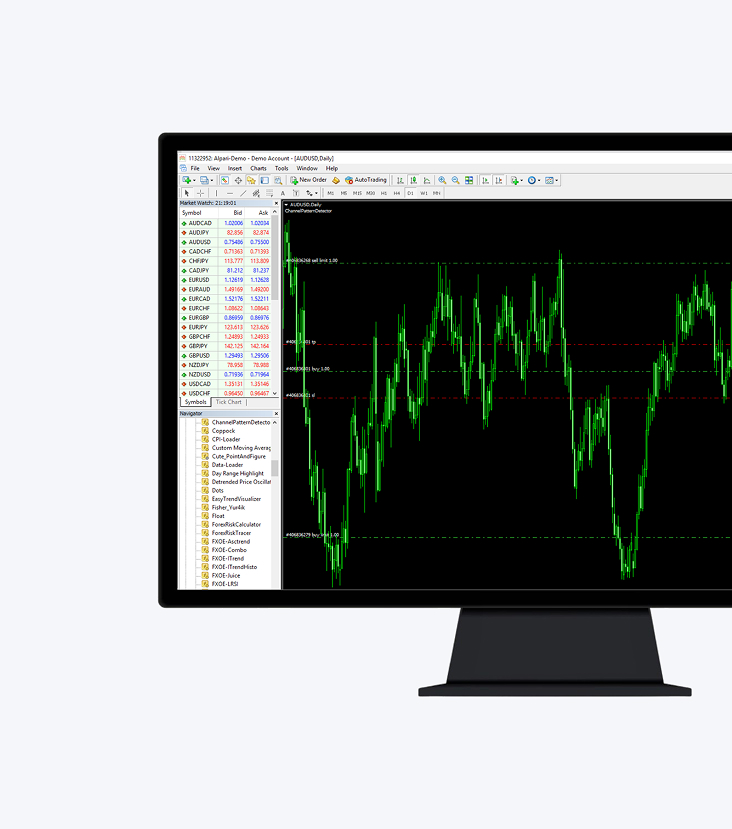
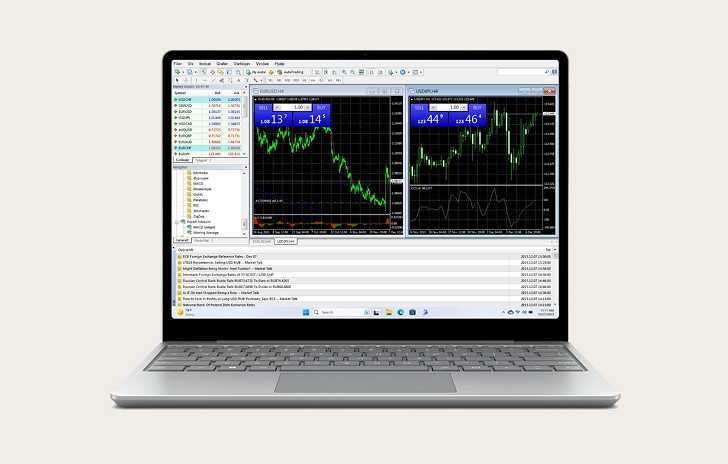
MT4 for Windows offers a comprehensive suite of tools and features for traders to analyse and customise their trading strategies.
The platform’s advanced tools also support the creation of trading algorithms for automated trading.
With MT4, you can access over 300 financial instruments, including CFDs on forex, metals, futures, shares, indices and commodities, all from the convenience of your desktop.
Windows, macOS, iPhone/iPad, Android and any internet browser
Choose MT4 for Windows
MetaTrader 4 is the world’s leading trading platform, known for its intuitive interface and wide range of powerful features.
With Trading Sphere’s MetaTrader 4 trading platform, you’ll experience superior trading conditions and the convenience of mobile trading, keeping you connected to global markets anytime, anywhere.
Features
Manage trades, positions and equity online
Full range of order types and execution modes
Real-time market price monitoring of financial instruments and forex rates
Advanced charting tools and indicators
Live newsfeed for market updates
Activity Reports
How to log in to MT4 for Windows
1.
Download and install MT4 for Windows.
2.
Log in with your existing account details or create a new account here
3.
Select Trading Sphere as your broker.
4.
Enter your real or demo account login credentials (username and password) provided in your Trading Sphere welcome email.
All trading involves risk. It is possible to lose all your capital.
Thank you for visiting Trading Sphere
This website is not directed at EU residents and falls outside the European and MiFID II regulatory framework. Please click below if you wish to continue to Trading Sphere anyway.