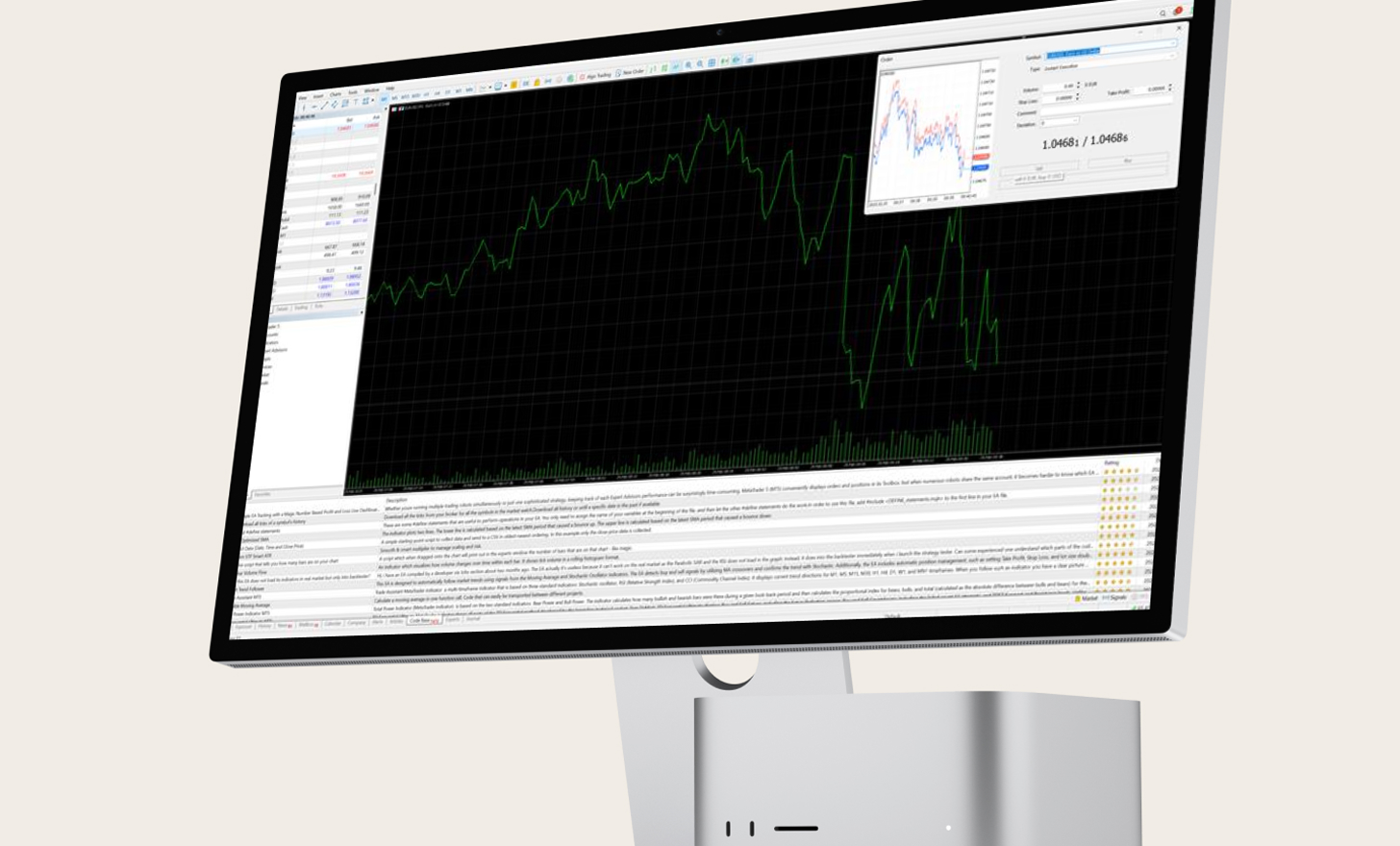
MetaTrader 4 Trading Platform

MetaTrader 4 for macOS

Experience the full functionality of MT4 on your Mac. Enjoy smooth trading without requotes as well as flexible leverage.

With its user-friendly design and advanced infrastructure, including charts, alerts and analysis tools, you’ll have everything you need for a complete trading experience.

All trading involves risk. It is possible to lose all your capital.

Discover financial opportunities with MT4

The forex market has seen significant growth in online trading, establishing itself as one of the largest and most widely used global financial markets.

A new class of traders is capitalising on the market’s volatility, deep liquidity and flexible leverage options.

As online trading continues to expand, trading platforms have become essential tools, for beginners to step confidently into forex trading.

DOWNLOAD MT4
for macOS

MT4 is supported by
Windows, macOS, iPhone/iPad, Android and any internet browser

Choose MT4 for macOS

MetaTrader 4 has consistently held its position as the leading trading platform for forex and a diverse range of financial instruments, including CFDs, futures, indices, and commodities.

The platform’s seamless integration with Expert Advisors (EAs) allows traders to automate their trading strategies using algorithmic trading programs directly within MT4.
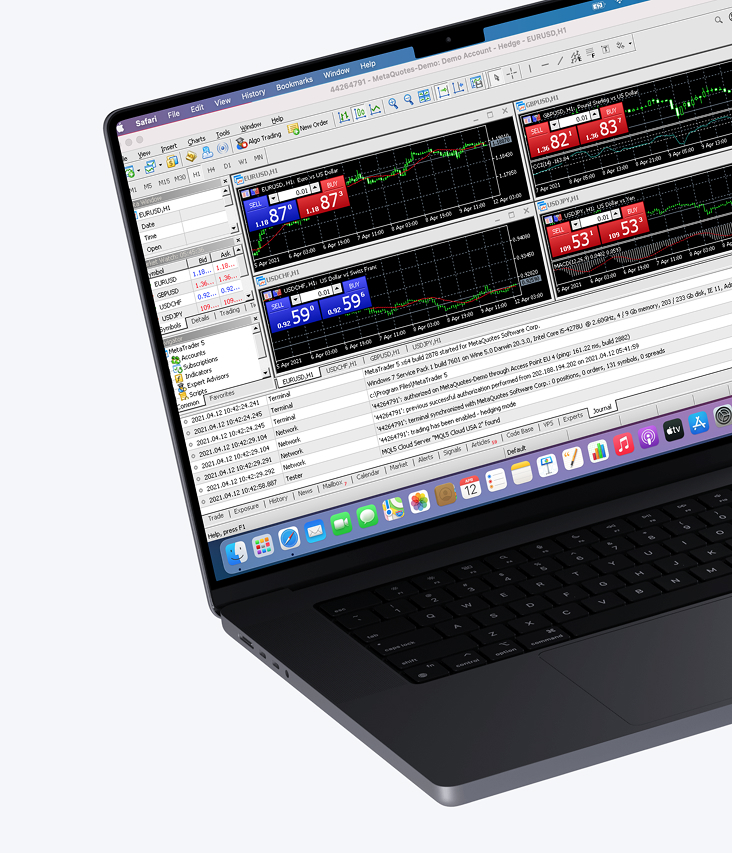
Features

  • Manage trades, positions and equity online
  • Real-time market price monitoring of financial instruments and forex rates
  • Advanced charting tools and indicators
  • Live newsfeed for market updates
  • Activity reports
  • Permitted automated strategies
  • Built-in ability to use EAs (Expert Advisors)

How to log in to MT4 for macOS

1.

Download and install the MT4 trading platform for macOS.

2.

Select Trading Sphere as your broker.

3.

Enter your login credentials (username and password) for your real or demo account included in your welcome email from Trading Sphere.

4.

Start trading.

All trading involves risk. It is possible to lose all your capital.